
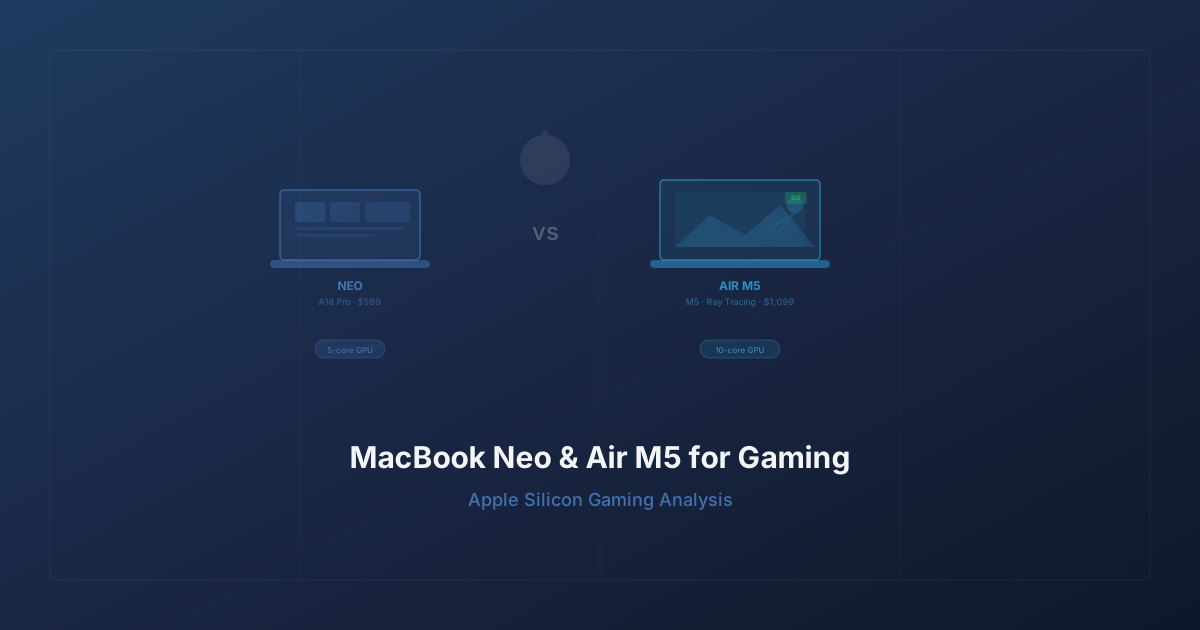
MacBook Neo and MacBook Air M5: What Apple's New Laptops Mean for Gaming on Mac
Apple just announced two new MacBooks in the same week, and they couldn't be more different. The MacBook Neo is a $599 budget laptop powered by the A18 Pro — yes, an iPhone chip in a MacBook. The MacBook Air gets the M5, bringing third-generation ray tracing, 153 GB/s memory bandwidth, and a GPU that Apple claims is 30% faster than the M4. Both ship March 11.
For gamers, this raises an obvious question: can either of these machines actually game? The answer is more nuanced than Apple's marketing slides suggest — and more interesting than you might expect.
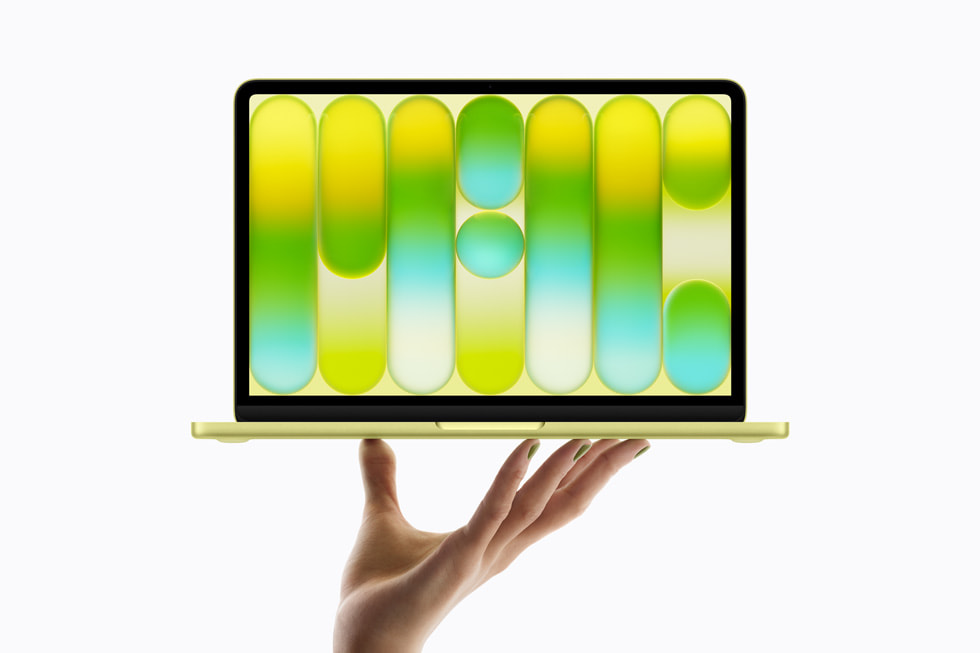
MacBook Neo: A $599 Mac That Can (Kind of) Game
Let's address the MacBook Neo first, because it's the more surprising announcement. Apple hasn't made a laptop this cheap since the plastic MacBook era. At $599 ($499 for education), the Neo undercuts the MacBook Air by $500 and directly targets the Chromebook and budget Windows laptop market.
The specs tell a clear story about where this machine sits:
- Chip: A18 Pro (6-core CPU, 5-core GPU, 16-core Neural Engine)
- Display: 13-inch Liquid Retina, 2408x1506, 500 nits, 1 billion colors
- Memory bandwidth: 60 GB/s
- Storage: 256GB base (512GB for $699)
- Ports: Two USB-C (one USB 3, one USB 2), 3.5mm headphone jack
- Battery: Up to 16 hours
- Weight: 2.7 pounds
- Connectivity: Wi-Fi 6E, Bluetooth 6
- Design: Fanless, aluminum, four colors (blush, indigo, silver, citrus)
The A18 Pro is the same chip that powers the iPhone 16 Pro. In a phone, it's a powerhouse. In a laptop competing against M-series silicon, it's... adequate. The 5-core GPU delivers performance roughly comparable to the original M1's 7-core GPU — which means it can handle casual and indie games at native resolution without breaking a sweat, but demanding AAA titles will push it past its comfort zone.

Think of it this way: if a game runs well on an iPad Pro, it'll run well on the MacBook Neo. That includes titles from Apple Arcade, most indie games on the Mac App Store, and lighter Steam games. But don't expect to run Cyberpunk 2077 or Baldur's Gate 3 at playable frame rates. The 60 GB/s memory bandwidth — less than half of the M5's 153 GB/s — is the real bottleneck for anything graphically intensive.
The Neo's real gaming value is as a gateway device. Someone who buys this for school or general use might discover Mac gaming through Apple Arcade or lighter Steam titles, and that's exactly the kind of market expansion Apple needs if it wants developers to take Mac gaming seriously.
MacBook Air M5: The Actual Gaming Machine
The MacBook Air with M5 is the more compelling gaming story. Apple's M5 chip represents a meaningful generational leap, particularly on the GPU side:
- Chip: M5 (10-core CPU, 10-core GPU with Neural Accelerator per core)
- Display: 13.6-inch or 15.3-inch Liquid Retina, 500 nits, 1 billion colors
- Memory bandwidth: 153 GB/s (28% faster than M4)
- Storage: 512GB base (configurable to 4TB), 2x faster SSD
- Ports: Two Thunderbolt 4 (supports two external displays)
- Battery: Up to 18 hours
- Connectivity: Wi-Fi 7 and Bluetooth 6 via Apple's N1 chip
- Price: $1,099 (13-inch) / $1,299 (15-inch)
The headline number is that 10-core GPU with third-generation ray tracing. Apple claims up to 30% faster GPU performance versus the M4 and 2.5x faster than the M1. For ray tracing specifically, the improvement is even more dramatic — up to 45% faster than M4 in ray-traced workloads.
These aren't abstract benchmark numbers. On the MacBook Pro side (which shares the same M5 architecture), Apple showed 1.6x faster gaming performance with ray tracing in Cyberpunk 2077: Ultimate Edition compared to the M4 Pro. The base M5 in the Air won't match M5 Pro numbers, but the ray tracing engine is identical — and that matters.
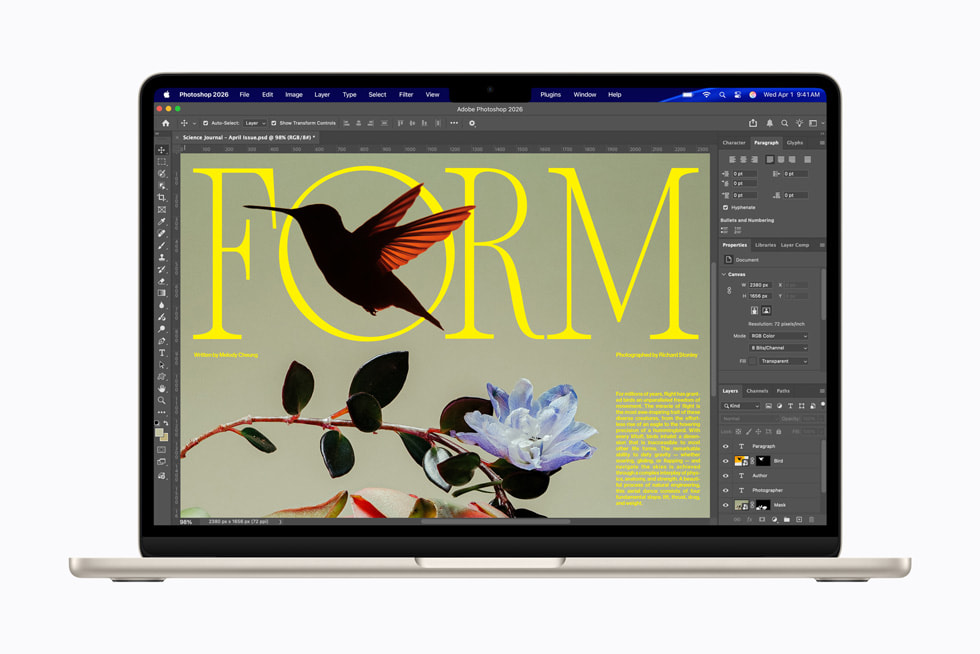
What the M5 GPU Actually Delivers
Let's break down what makes the M5's GPU architecture different from previous generations:
Third-generation ray tracing engine. Hardware-accelerated ray tracing has been in Apple silicon since the M3, but the M5's implementation is substantially more mature. The 45% improvement over M4 means games that support Metal ray tracing will render more realistic lighting, shadows, and reflections without tanking frame rates. This is the first generation where ray tracing on a MacBook Air feels like a real feature rather than a tech demo checkbox.
Neural Accelerators in every GPU core. This is new for M5. Each of the 10 GPU cores has a dedicated Neural Accelerator, enabling AI-driven upscaling and frame generation. Think of it as Apple's answer to NVIDIA's DLSS or AMD's FSR — using machine learning to render frames at lower resolution and intelligently upscale them. For gaming, this means higher effective frame rates without the proportional GPU cost.
Enhanced shader cores with second-generation dynamic caching. Dynamic caching, introduced with M3, allocates GPU memory on the fly based on workload demands. The second generation in M5 is more aggressive about reallocating resources, which means better performance in scenes with varying complexity — exactly the kind of workload games produce.
153 GB/s unified memory bandwidth. The 28% increase over M4 directly impacts gaming performance. Textures load faster, frame buffers clear faster, and the GPU spends less time waiting for data. This is particularly important for open-world games with large streaming worlds.
Metal 4 and Game Porting Toolkit 3: The Software Story
Hardware is only half the equation. Apple has been steadily building out the software stack that makes Mac gaming possible, and the latest generation of tools represents the most complete effort yet.
Metal 4 is Apple's latest graphics API, and it brings features that game developers have been asking for. The updated Metal shader converter can now translate DirectX Intermediate Language (DXIL) directly into optimized Metal libraries ready for Apple silicon, iPad, and iPhone. New features include frame buffer fetch, function constants, and intersection function buffers — technical capabilities that reduce the friction of porting graphics-intensive games from Windows.
Game Porting Toolkit 3 makes the translation layer between Windows games and macOS smoother than ever. GPTK has already enabled titles like Diablo 4, Hogwarts Legacy, and Cyberpunk 2077 to run on Mac, and version 3 expands compatibility further. Developers can now port macOS games to iOS using the same toolkit, creating a unified gaming platform across Mac, iPad, and iPhone.
The combination of Metal 4 and GPTK 3 addresses the two biggest complaints about Mac gaming: performance and library size. Metal 4 gives native ports better tools to optimize for Apple silicon. GPTK 3 makes it easier to bring Windows games over without a full rewrite.
The Remaining Gaps
Let's be honest about what still doesn't work. Kernel-level anti-cheat systems — Riot Vanguard (Valorant), certain Easy Anti-Cheat implementations — remain incompatible with macOS. This locks Mac gamers out of some of the most popular competitive titles. Apple has shown no indication of allowing the kind of kernel access these systems require, and anti-cheat developers have shown limited interest in building Mac-native solutions.
The library is also still smaller than Windows. About 60-70% of games work well through GPTK or native ports, another 20% work with tweaks, and roughly 10% remain completely broken. That gap is closing, but it's still real.
What Can You Actually Play?
Here's a practical breakdown of what each machine can handle:
MacBook Neo (A18 Pro)
Runs great:
- Apple Arcade titles (all of them)
- Indie games: Hades, Celeste, Stardew Valley, Hollow Knight
- Older AAA: Civilization VI, XCOM 2, Divinity: Original Sin 2
- Most 2D and isometric games
Runs with compromises:
- Lighter 3D games at reduced settings
- Games from the early 2020s at low-medium settings
Don't bother:
- Current AAA titles (Cyberpunk 2077, Baldur's Gate 3, Elden Ring)
- Ray-traced anything
- Games requiring more than 60 GB/s memory throughput
MacBook Air M5
Runs great:
- Everything the Neo can run, but better
- Most AAA titles at medium settings (1080p)
- Ray-traced games at reduced ray tracing quality
- Resident Evil Village, Death Stranding, No Man's Sky
- Lies of P, Assassin's Creed Mirage
Runs with compromises:
- Current AAA at high settings (expect 30-45 fps at native resolution)
- Cyberpunk 2077 with ray tracing (playable but not smooth at max)
- Heavy open-world games with lots of streaming
Still challenging:
- Games locked behind anti-cheat (Valorant, Fortnite on PC)
- Titles with no GPTK compatibility
- Ultra settings at native resolution on demanding 2025/2026 releases
MacBook Neo vs. MacBook Air M5: The Gaming Verdict
If you're buying specifically for gaming, the Air M5 is the only real choice. The $500 price difference buys you:
- 2x the GPU cores (10 vs 5)
- 2.5x the memory bandwidth (153 GB/s vs 60 GB/s)
- Hardware ray tracing (third-gen vs none)
- Neural Accelerators per GPU core (AI upscaling capability)
- Thunderbolt 4 with dual display support
- Wi-Fi 7 for lower-latency online gaming
- Double the base storage (512GB vs 256GB)
The Neo is a great laptop. It's a terrible gaming laptop. And that's fine — it's not trying to be one. It's a $599 Mac for students and everyday users who might occasionally play a game, not a machine built around gaming performance.
The Air M5, on the other hand, is genuinely the best thin-and-light gaming laptop Apple has ever made. The M5's GPU is powerful enough to run most modern games at respectable settings, the ray tracing is real (not just a spec sheet bullet point), and the 18-hour battery means you can actually game away from a power outlet.
The Bigger Picture: Mac Gaming in 2026
These two laptops represent Apple's two-pronged approach to expanding the Mac user base — and by extension, the Mac gaming audience.
The Neo brings millions of new users into the Mac ecosystem at a price point that was previously impossible. Even if most Neo owners never game seriously on it, every Neo sold is another potential customer for the Mac App Store, another device that developers can target, another reason to consider a Mac port.
The Air M5 proves that Apple silicon has reached the point where a fanless ultrabook can run AAA games. Not at ultra settings, not at 120fps — but playably, with ray tracing, on a machine that weighs three pounds and lasts 18 hours on a charge. Three years ago, that sentence would have been absurd.
The real question isn't whether these machines can game. It's whether developers will show up. Apple has built the hardware (M5's GPU is no joke), the API (Metal 4 is comprehensive), and the porting tools (GPTK 3 removes most excuses). The missing piece is commitment from AAA studios to treat Mac as a first-class platform rather than an afterthought port six months after launch.
With a combined MacBook lineup that now spans $599 to $3,999 — all running the same graphics API, the same operating system, and the same app ecosystem — Apple's argument to developers has never been stronger. Whether developers actually listen is the story of Mac gaming in 2026 and beyond.
Sources
- Say hello to MacBook Neo — Apple Newsroom
- Apple introduces the new MacBook Air with M5 — Apple Newsroom
- Apple unleashes M5, the next big leap in AI performance — Apple Newsroom
- Apple debuts M5 Pro and M5 Max — Apple Newsroom
- MacBook Neo: Apple launches new compact MacBook starting at $599 — NotebookCheck
- MacBook Neo Performance: What to Expect From the A18 Pro — AppleMagazine
- Metal 4 & Game Porting Toolkit 3 boost frame rate & ray tracing — AppleInsider
- Mac Gaming Guide 2026 — Intego

Founder of GGS Blog and Site Reliability Engineer at Box. I write about gaming, AI in gaming, and game development with a technical lens — 10+ years in software engineering, 20+ years as a gamer. My work focuses on what the tech actually means for players.
Never miss a post
Subscribe to the GGS Blog newsletter for gaming news, tech insights, and AI in the game industry — delivered straight to your inbox.
Free. No spam. Unsubscribe in one click.
Comments
What to Read Next
Continue exploring our coverage of gaming, technology, and AI.
 Technology
Valve's 44% Steam Deck Hike Is the Only Honest Price in Handhelds
Sony added $100-150, Microsoft $100-150, Nintendo $50. Valve added $240 to a 512GB Steam Deck OLED and said nothing. Only one of those companies has no software subsidy to hide the memory bill behind.
 Technology
You Can't Solo Queue Loneliness: The Real State of AI Gaming Companions
AI teammates that fight, loot, and revive are finally shipping — but they only work in the specific games their publishers built them into. Universal companions exist too, but they're spectators. Neither fully solves what a solo player actually needs.
 Technology
Meta's Horizon Worlds VR Whiplash and the Slow Death of the Metaverse Dream
Meta announced it was killing Horizon Worlds in VR, reversed course 48 hours later, and accidentally wrote the eulogy for a $80 billion bet on virtual reality. Here's what went wrong — and what VR actually needs to survive.